

Welcome to Care Everyday — keeping you safe and cared for at home
Care Everyday allows you to get healthier and stay independent. Every reading from your home device is automatically sent to your Care Everyday Care Manager — no Bluetooth, syncing, or Wi-Fi required! With the right support at the right time, you can easily take care of your health with confidence.
Monitoring your health numbers
Blood pressure monitors, pulse oximeters, blood glucometers, and weight scales are accurate and easy to use. Setup is simple and each device was designed to handle frequent testing.
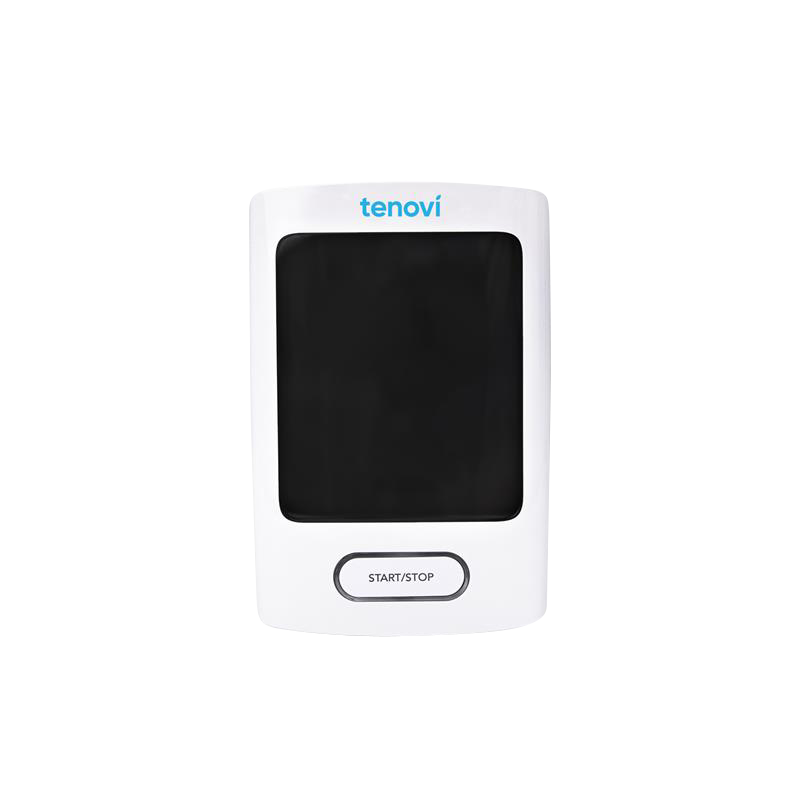
Tenovi Blood Pressure Monitor (BPM) - Gen 3
Instructions for setting up and using your BPM device, including tips for accurate weight results
More detailed instructions for setting up, using, and maintaining your BPM Gen 2 device
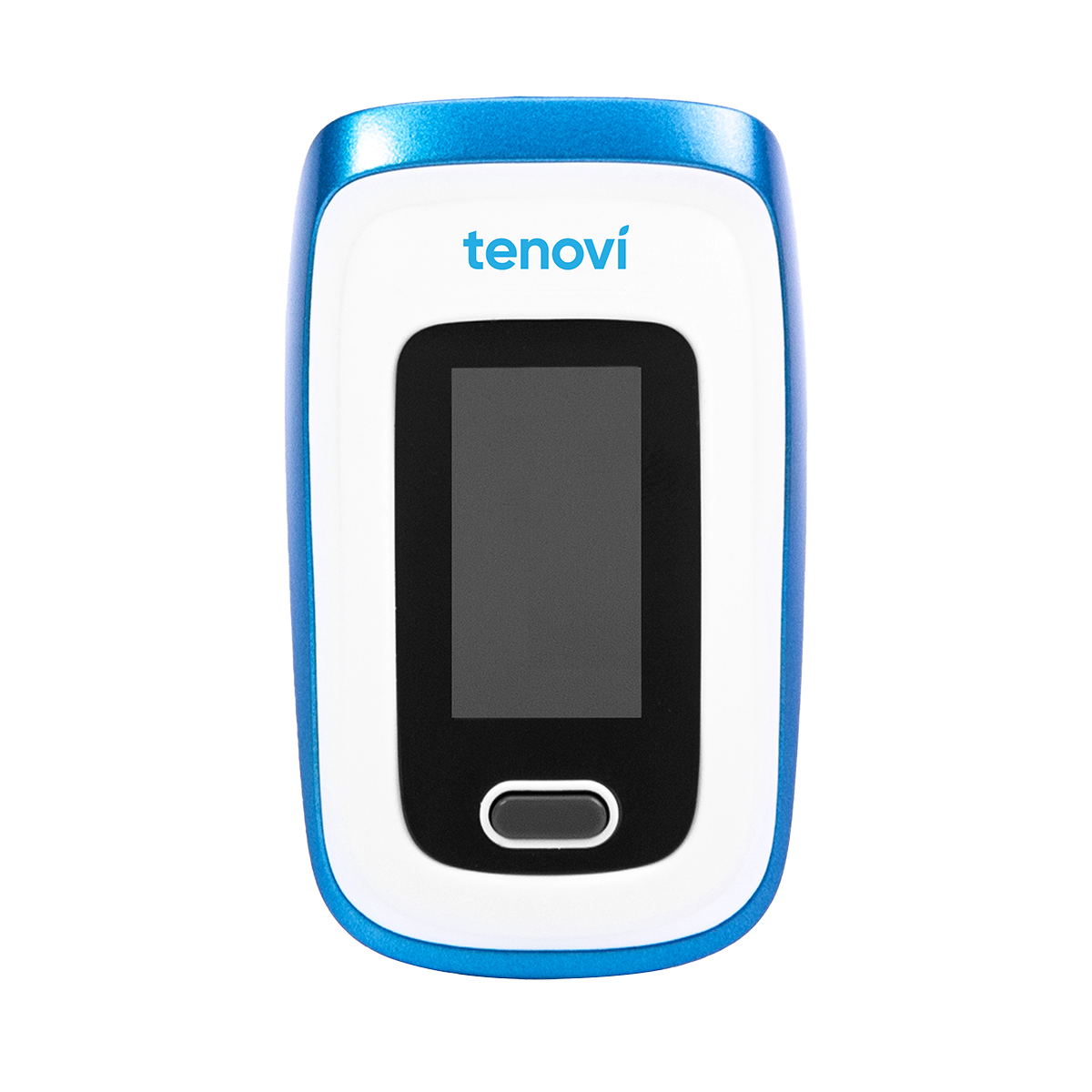
Tenovi Pulse Oximeter
Instructions for setting up and using your device, including tips for accurate weight results
More detailed instructions for setting up, using, and maintaining your Pulse Oximeter device
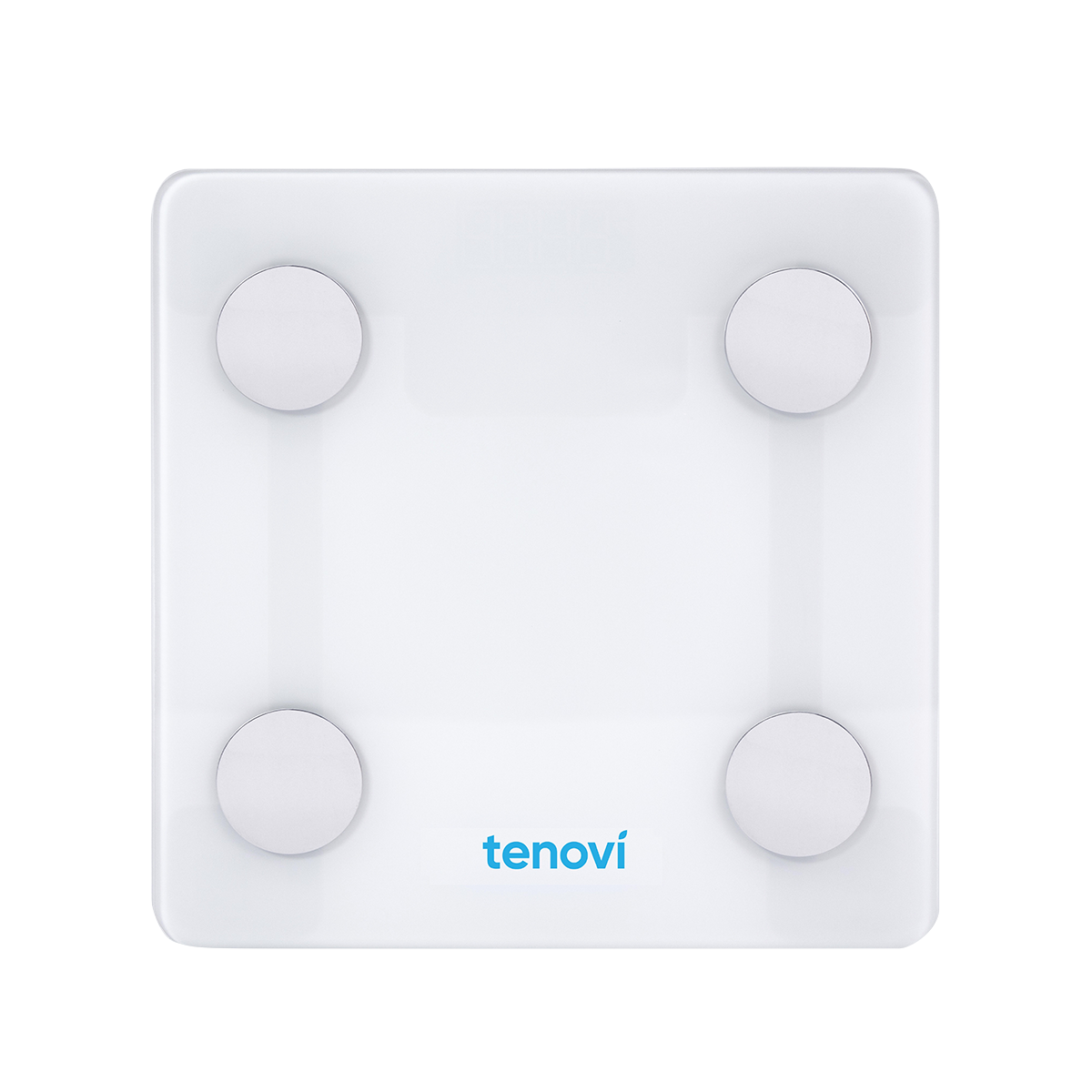
Tenovi Scale - Gen 1
Instructions for setting up and using your Scale, including tips for accurate blood glucose results
More detailed instructions for setting up, using, and maintaining your scale
Tenovi Bariatric Scale - Gen 2
Instructions for setting up and using your Bariatric Scale, including tips for accurate blood glucose results
More detailed instructions for setting up, using, and maintaining your scale
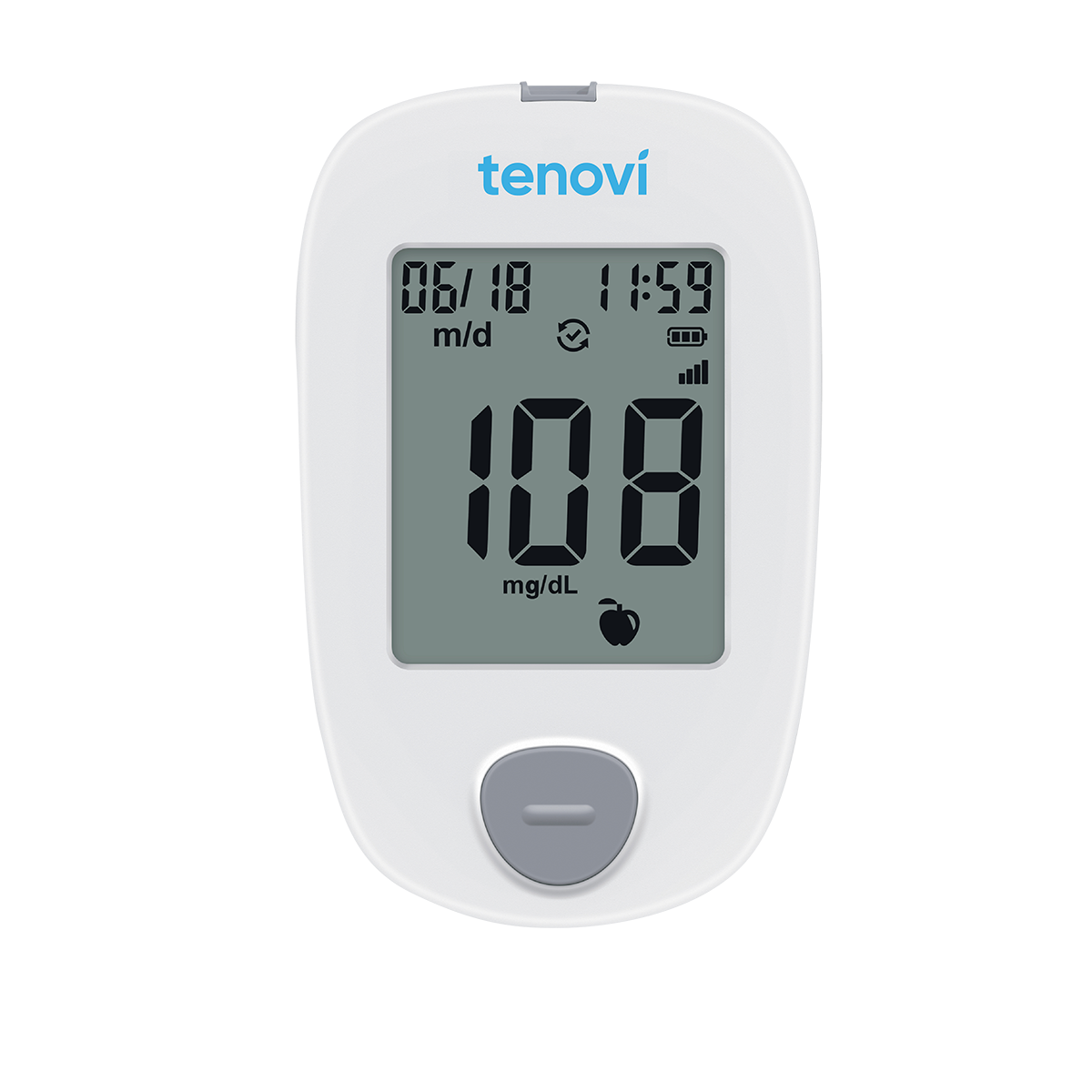
Tenovi Blood Glucose Meter (BGM) - Gen 2
Instructions for setting up and using your BGM Gen 2 device, including tips for accurate blood glucose results
More detailed instructions for setting up, using, and maintaining your BGM Gen 2 device

SmartMeter iGlucose
Instructions for setting up and using your iGlucose monitor, including tips for accurate blood glucose results
More detailed instructions for setting up, using, and maintaining your iGlucose monitor, lancing device, lancets, and test strips

Instructions for setting up and using your iBloodPressure monitor and cuff, including tips for accurate blood pressure and pulse results
SmartMeter iBloodPressure
More detailed instructions for setting up, using, and maintaining your iBloodPressure monitor and cuff

SmartMeter iBloodPressure Classic
Instructions for setting up and using your iBloodPressure monitor and cuff, including tips for accurate blood pressure and pulse results
More detailed instructions for setting up, using, and maintaining your iBloodPressure Classic monitor and cuff

SmartMeter iScale Plus
Instructions for setting up and using your iScale Plus device, including tips for accurate weight results
More detailed instructions for setting up, using, and maintaining your iScale Plus device

SmartMeter iScale
Instructions for setting up and using your iScale device, including tips for accurate weight results
More detailed instructions for setting up, using, and maintaining your iScale device
Your Care Everyday Care Manager is there for you
You'll meet with them regularly to discuss your goals and progress. They'll keep an eye on each reading you take and contact you if anything is out of your target range.
You can reach out to them anytime with questions about your readings or to review your goals. Not sure how to reach your Care Everyday Care Manager? Contact our team at 800-748-8593.

Need help with your device or supplies?
Contact the Smart Meter Device team to:
Get support with setting up your device
Fix any issues you’re having with your device
Order more supplies (ex: lancets, test strips, batteries) at no cost to you
Order control solution for your glucometer

Phone: 1-844-445-8267
Email: support@iglucose.com

Have a question or concern about your health numbers?
Contact your Care Everyday Care Manager or primary care provider. If you think you’re experiencing a medical emergency, dial 911 or go to the nearest emergency medical facility.
Want to learn more about Care Everyday? Email higicare@higi.care or call 800-748-8593.